

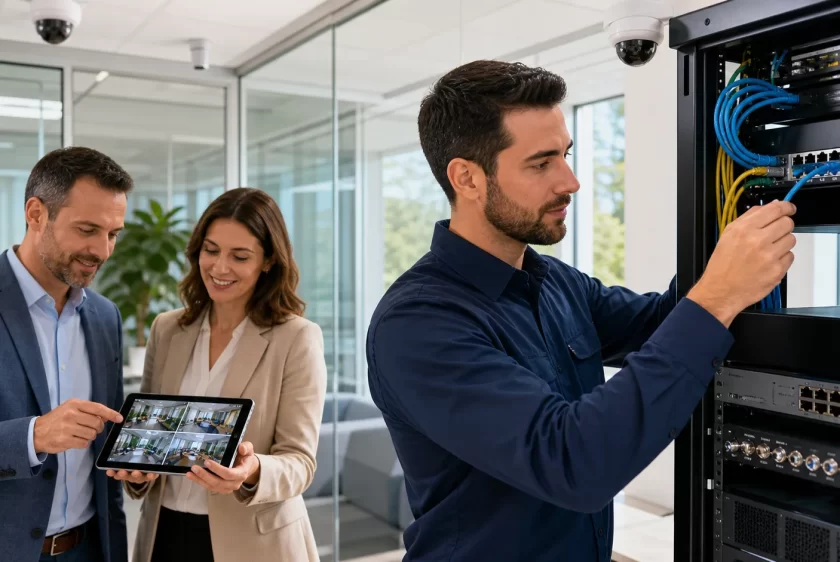
Smarter Security Recording for Westchester Small Offices
An NVR, or Network Video Recorder, is the modern way to record security camera footage in a small office. Instead of using old coax cables like a DVR, an NVR works over your network with IP cameras. This means clearer video, easier expansion, and better options for remote viewing on phones, tablets, or laptops.
In Westchester, small offices are rarely simple boxes. Many are in mixed office and retail buildings, share parking lots, have delivery areas out back, and deal with early darkness for a large part of the year. That mix brings real security concerns at doors, lots, and shared hallways. We want to walk through how to plan NVR installation in Westchester so your system actually fits your space, your internet, and your cybersecurity needs, with a focus on professional design instead of guesswork.
Planning an NVR System That Fits Your Westchester Office
A good system starts before anyone mounts a single camera. We begin with a walk-through and a review of your floor plan. We look at.
- Main entrances and exits
- Reception and waiting areas
- Storage rooms and cash handling areas
- Parking lots, rear alleys, and loading zones
- Any high-liability spots like back stairwells or side doors
From there, we talk with you about what you want to see and keep. Some offices want wide coverage to follow people in and out. Others need clear, close views of faces at a reception desk or license plates in a shared lot. These choices affect camera type, lens, and placement.
Recording goals matter too. We ask questions such as:
- Do you want 24/7 recording, or mostly motion-based recording?
- How many days or weeks of footage do you want saved?
- Who needs remote access, and from what devices?
- Do you need audio in certain areas, like reception?
Higher resolution, such as 4MP or 4K, captures more detail but needs more storage and a stronger network. More cameras and longer retention times mean a larger NVR drive size. Our job is to balance all of that so the system is right-sized, not overbuilt or underpowered.
Different businesses need different designs. A medical office has privacy concerns and controlled areas. A small retail store might focus on the register, door, and sidewalk. A salon may care more about reception, front windows, and the lot at closing time. In Westchester buildings, with their mix of older construction and newer build-outs, we design custom systems that respect how your space is actually laid out.
Network Setup Basics for Reliable NVR Performance
An NVR system is not just cameras and a box. It is a mini network that needs to be done right if you want it to be stable and simple to use. The core pieces usually include:
- NVR for recording and playback
- PoE switches to power IP cameras over network cables
- Router and firewall to control traffic in and out
- UPS (battery backup) so recording keeps going during short power drops
- Structured cabling that runs back to a secure network closet
All of these need to work together. The NVR and cameras send video traffic across your network. If that traffic is mixed with point-of-sale systems, VoIP phones, and cloud apps on the same connection, things can slow down. That is why we often recommend separate switches or VLANs to keep camera traffic in its own lane.
We also guide offices away from relying on weak consumer Wi-Fi cameras as their main system. Wi-Fi can be fine for a rare spot where cable is impossible, but wired PoE cameras are far more stable and secure for primary coverage. In older Westchester buildings, routing cable can be tricky around thick walls, fire stops, and tight ceilings, so we plan those paths in advance.
Network gear placement also matters. Routers, switches, and the NVR should sit:
- In a locked or limited-access area
- Off the floor and away from leaks or damp basements
- In a space with reasonable temperature, not on top of a radiator or in sun
That way, your system is not only secure from outsiders but also protected from day-to-day building issues.
Bandwidth and Storage Planning for Clear, Continuous Video
Video quality, camera count, and recording settings all affect how much bandwidth and storage your NVR needs. A simple way to think about it is: larger images and more frames per second mean more data. For example, a group of 1080p cameras at a moderate frame rate will use less bandwidth than the same number of 4K cameras running at a high frame rate.
We walk small office owners through trade-offs like:
- 1080p vs higher resolutions where you need finer detail
- High frame rate in busy entry areas, lower frame rate in quiet hallways
- Constant recording in key zones, motion-only in low-traffic spaces
Business internet connections in Westchester vary a lot, especially between fiber, cable, and older copper. Your local network, where cameras talk to the NVR, can handle more than your internet upload. The limiting factor for remote viewing is usually your upload speed at the office and download speed wherever you are.
When we plan NVR installation in Westchester offices, we consider:
- Who needs to view cameras offsite and how many at a time
- Whether you want live view only, playback, or both
- How often owners or managers will log in from home or while traveling
To keep bandwidth under control, we often use smart choices such as motion recording in quiet areas, schedules that keep full recording for business hours and scaled back overnight, and modern video compression formats that reduce file size while keeping important details. The result is clear, usable footage without wasting your network or filling storage too quickly.
Cybersecurity Best Practices for Office NVR Systems
Your cameras and NVR are now part of your business network, which means they are part of your cybersecurity picture too. Simple DIY setups that keep default passwords, open random ports, or rely on unencrypted access can create weak points for your whole office.
A professional install should always include steps like:
- Creating strong, unique passwords for the NVR and each camera
- Turning off default accounts and unused features
- Keeping firmware updated so known bugs are patched
- Using secure, encrypted remote access methods instead of open ports
- Setting user roles so staff only see what they need to see
We coordinate with your IT provider, or step into that role where needed, to set clear firewall rules and network segmentation so security devices are not freely exposed to the internet. Good planning at installation time makes it much easier to keep the system safe with simple, regular checks instead of constant firefighting.
Ongoing maintenance is also important. Just like office PCs need updates, your NVR and cameras should be reviewed regularly for firmware updates, password changes when staff turns over, and any new features that improve security.
Why Local, Professional Installation Matters in Westchester
Local knowledge makes a big difference when planning security. Westchester offices deal with mixed-use buildings, landlord rules, shared parking arrangements, and more traffic as days get shorter. Knowing how typical properties are laid out helps us place cameras where they actually catch what matters, like cars cutting through a lot at dusk or deliveries at a rear door in low light.
Compared to DIY kits, professional NVR systems bring:
- Cleaner, labeled cabling that is easier to service
- Networks planned so cameras do not crash your internet
- Security settings done right from day one
- Fast on-site help when a camera, cable, or network device has a problem
Because we work on both small business and home security, we can design systems that feel familiar across your locations. That way, an owner can open one app and easily check both office and home, with straightforward controls and local support when something needs attention.
Protect Your Property With Professional NVR Installation Today
If you are ready to secure your home or business with reliable video surveillance, our team at LinkedUp Security is here to help. Learn how our expert NVR installation in Westchester can give you clearer footage, better coverage, and easier access to your recordings. Reach out today through our contact page to schedule a consultation and get a tailored security solution that fits your needs.


